Why You Need a Reliable Link Protector
As developers and content creators, we constantly share resources, downloadable files, or a cluster of project links. Dropping raw URLs everywhere isn’t just messy—it leaves your links vulnerable to scrapers, automated bots, and unauthorized hotlinking.
If you are monetizing traffic or distributing exclusive content, protecting your outbound links is non-negotiable. That is exactly why I built LinkSafe, a streamlined link protector script designed to bundle multiple URLs into a single, secure gateway. Instead of sending users a wall of links, you send them one protected URL. They click, unlock, and get exactly what they need.
The goal here was simple: build a lightweight URL locking tool that offers a frictionless user experience while keeping the backend logic clean and easy to deploy.
Core Features of LinkSafe
When designing this tool, I focused heavily on performance and a clean, modern UI. Nobody wants to wait for a clunky script to load just to get a link. Here is a breakdown of what makes this script stand out:
1. Secure Access & Bot Mitigation
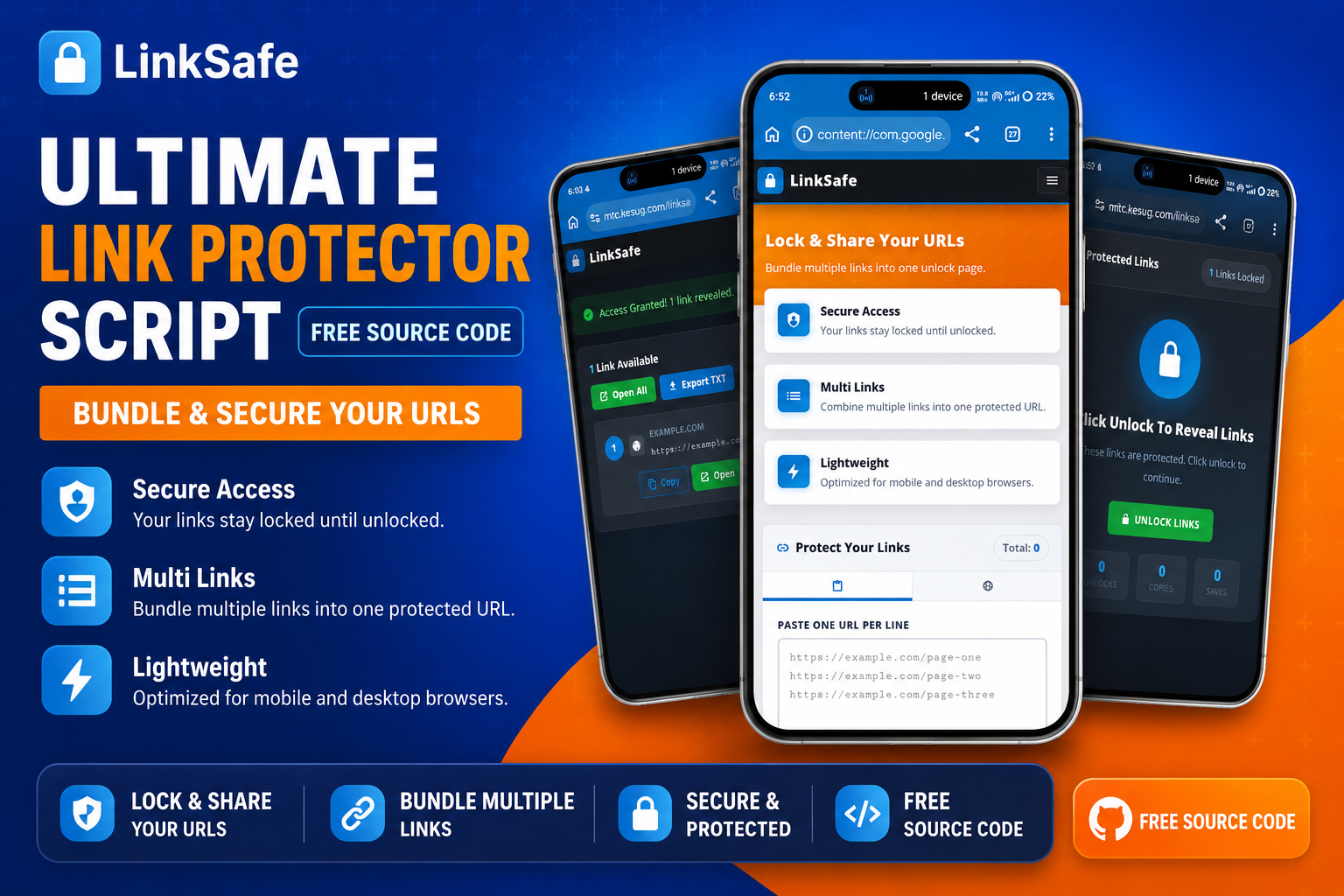
The primary function of any link locker is security. Raw URLs stay hidden behind a clean landing page. Users are presented with a straightforward “Click Unlock To Reveal Links” interface. This simple interaction layer acts as a barrier against automated bots that scrape pages for raw data, ensuring only real human users get through to your final destination links.
2. Multi-Link Bundling
Handling dozens of links is a headache. LinkSafe solves this by allowing you to paste multiple URLs (one per line) and combine them into a single protected URL. This multi-link manager functionality is perfect for sharing tutorial resources, software packages, or portfolio links without overwhelming the end-user.
3. Ultra-Lightweight & Responsive Design
Heavy frameworks can slow down link routing. I optimized this script specifically for mobile and desktop browsers to ensure near-instant load times. The UI uses a modern, dark-mode-inspired aesthetic for the unlock screen, ensuring high contrast and readability. A fast-loading page directly translates to better user retention and lower bounce rates—crucial metrics if you are running AdSense on your site.
4. Advanced Export & Management Options
Once the links are unlocked, the user isn’t just left hanging. I added several quality-of-life features to the revealed page:
- Open All: One click opens every linked resource in new tabs.
- Export TXT: Users can download a .txt file containing all the raw URLs, which is highly requested by users downloading multi-part files.
- Copy & Save: Quick clipboard access and saving features streamline the user’s workflow.
Technical Implementation
From a development standpoint, keeping the DOM manipulation clean was a priority. The transition from the “Locked” state to the “Unlocked” state happens seamlessly. I utilized pure CSS for the hover effects, transitions, and the glowing lock animation to keep the footprint minimal.
The layout relies on modern Flexbox and Grid properties, ensuring that whether a user is opening the secure URL on a massive 4K monitor or a budget smartphone, the interface elements—like the copy buttons and text areas—scale perfectly without breaking the layout.
Get the Source Code
Here is a link that allows you to see live what the project looks like and also download the code file.
Leave a Reply