Let’s be honest. If you are a developer, blogger, or active forum user, finding a reliable place to host your images is incredibly frustrating. Most popular image hosting sites today are packed with intrusive ads, compress your images beyond recognition, or worse—they delete your files after a few months of inactivity, leaving you with broken image icons all over your website.
I got tired of dealing with temporary links and bloated interfaces. That is exactly why I built this high-performance image upload tool. I wanted a straightforward, fast, and permanent solution for hosting images, grabbing the exact embed code I needed, and getting back to work.
Here is a breakdown of what this tool does, how it works under the hood, and why it might just become your go-to utility for handling media.
Core Features Built for Speed and Efficiency
I engineered this platform to cut out the unnecessary steps between uploading an image and pasting it into your project.
1. Drag, Drop, or Direct Upload
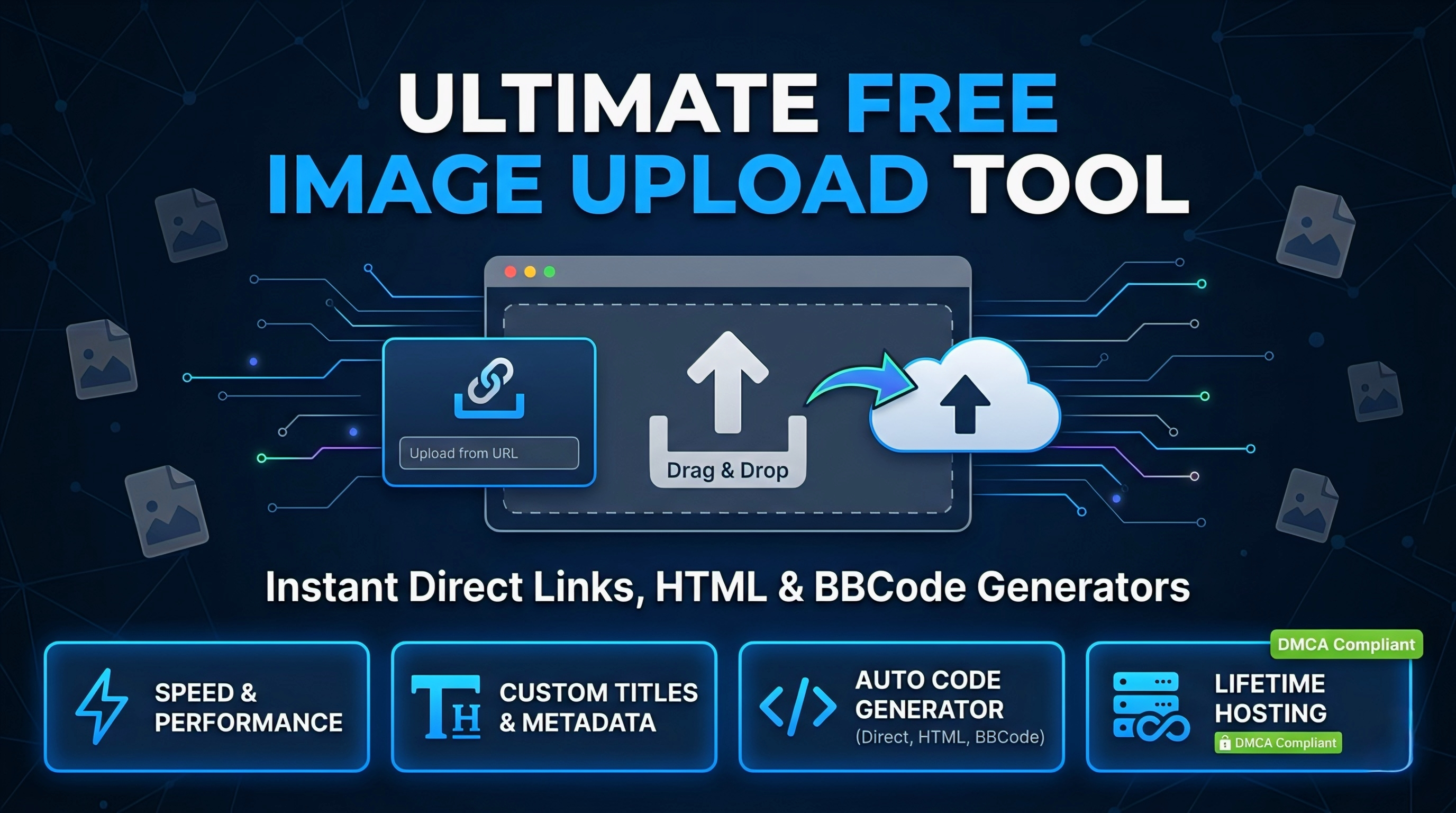
You don’t need to navigate through five different menus to get a file on the server. Just drag your image from your desktop and drop it into the upload zone. The tool supports standard image formats (JPG, PNG, WebP, GIF) and processes the upload instantly without reloading the page.
2. Fetch and Upload via URL
Sometimes the image you need is already on the internet, but you need to re-host it so it doesn’t break if the original source goes down. Instead of downloading the image to your hard drive and re-uploading it, you can just paste the source URL. The server fetches the image directly, processes it, and hosts it on our infrastructure in milliseconds.
3. Custom Titles and Metadata
Organization matters. Before hitting the upload button, you can assign a custom title to your image. This is incredibly useful for keeping track of your assets, and it also helps with your own internal SEO if you are using these images on a blog.
4. Instant Output Generation (Direct, HTML, BBCode)
This is where the tool saves you the most time. As soon as the upload completes, you don’t just get a basic link. The UI immediately generates three specific formats that you can copy with a single click:
- Direct Link: The raw
https://...URL ending in.jpgor.png. Perfect for developers passing image URLs into APIs, JSON files, or CSS backgrounds. - HTML Code: Pre-formatted
<img src="..." alt="...">tags. Drop this straight into your website’s source code or markdown files. - BBCode: The standard
[img]...[/img]format required by community boards like Reddit, XDA Developers, and traditional forums.
Lifetime Storage Policy
One of the biggest issues with free image hosts is file expiration. If an image doesn’t get enough views, their scripts automatically purge it to save server space.
My approach is different. Any image you upload here stays hosted for a lifetime. The only exception to this rule is copyright infringement or illegal content. If an image violates DMCA guidelines or contains prohibited material, it will be removed. Otherwise, you can trust that the images embedded in your two-year-old blog posts or forum tutorials will stay exactly where you put them.
Who is this tool for?
I built this primarily to scratch my own itch as a developer, but the use cases extend to anyone who handles web content:
- Web Developers: Quickly host mockups, icons, or placeholder images to use in staging environments or CodePen/JSFiddle tests.
- Tech Writers & Bloggers: Generate HTML tags instantly for technical documentation without bloating your own server’s storage.
- Forum Members: Share high-quality screenshots for troubleshooting or tutorials using the instant BBCode generator.
Stop wasting time with heavy, ad-filled image hosts that hold your direct links hostage. Bookmark this tool, drop your image, grab your code, and keep building.
Leave a Reply