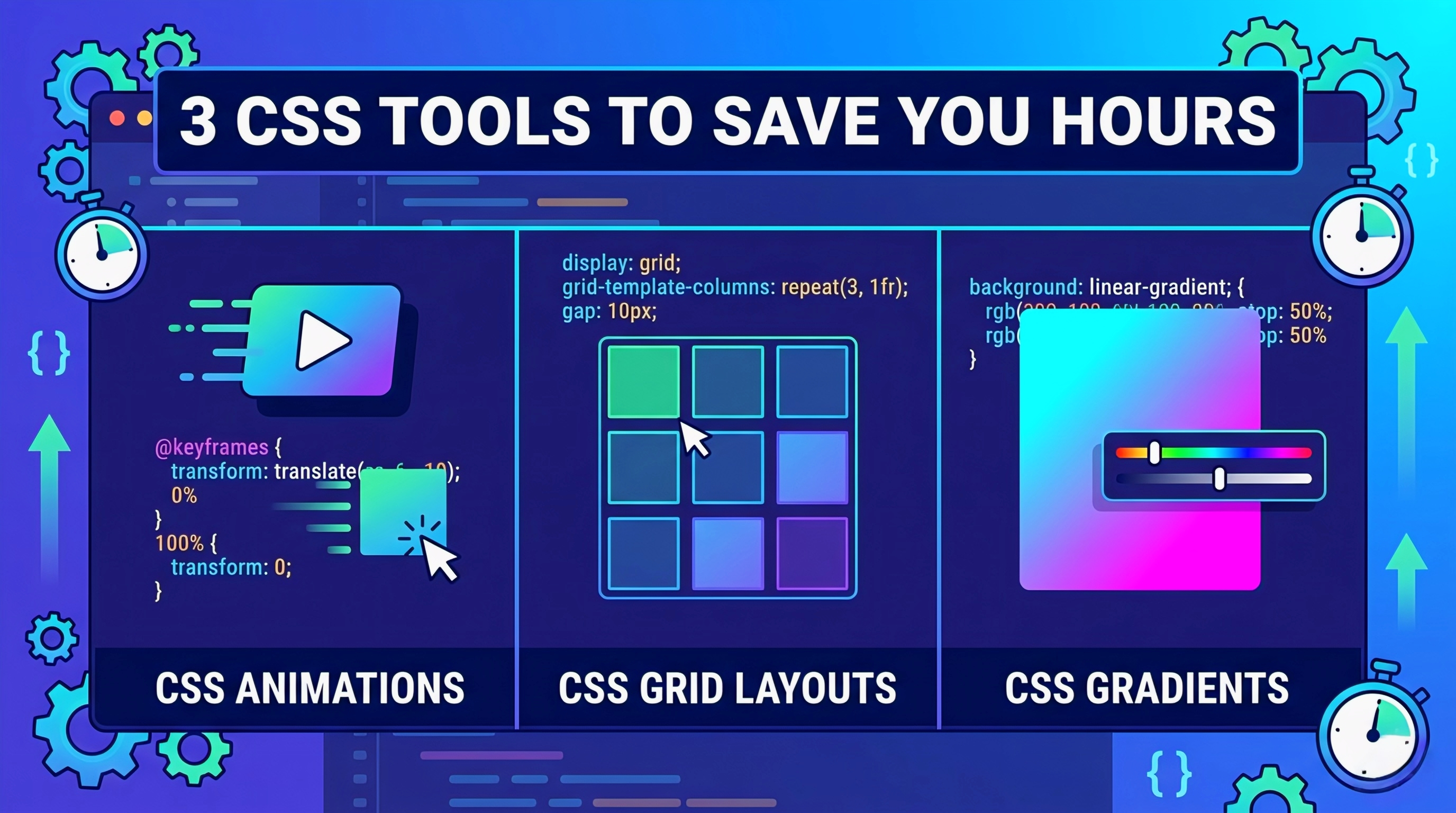
>_ 3 CSS Tools to Speed Up Your Frontend Workflow
Let’s be honest. Nobody likes pushing pixels for three hours just to get a card to flip correctly or a layout to stop collapsing. We’ve all been there—staring at browser dev tools, toggling properties on and off, trying to figure out why the layout is breaking.
Writing custom CSS from scratch for every single project is a fast track to burnout. The longer you work in frontend development, the more you realize that your job isn’t about memorizing every single CSS property; it’s about shipping solid, maintainable code efficiently. You need to automate the tedious parts of UI development so you can focus on the actual application logic.
If you want to cut down on boilerplate code and stop reinventing the wheel, here are three CSS tools you need to drop into your bookmarks bar right now.
🪄 1. Animista: Stop Guessing Keyframes
Animations are notorious time-sinks. Manually writing out @keyframes, figuring out the exact percentages, and messing around with cubic-bezier timing functions usually results in a lot of trial and error.
Animista is essentially a massive, visual CSS animation library. Instead of writing animations blindly in your IDE, you get a full GUI to test out different effects.
- ☄ Huge Library: It covers everything from basic scale and slide entrances to complex text shadow pops and background pans.
- ☰ Granular Control: You can tweak the duration, delay, and easing functions directly in the browser.
- </> Copy-Paste Ready: Once you have the animation dialed in perfectly, it spits out the exact CSS snippet. Just copy it, drop it into your stylesheet, and move on to the next component.
⊞ 2. CSS Grid Generator: Visualizing the Grid
CSS Grid is arguably the best thing to happen to web layouts, but the syntax can get heavy when you are dealing with complex, asymmetrical dashboards. Trying to mentally map out grid-template-columns, fr units, and row gaps can cause plenty of headaches.
CSS Grid Generator simplifies this entirely by giving you a visual interface to drag and drop your layout.
- Visual Layout Builder: You just define your columns, rows, and gap sizes, then click and drag to merge cells for your specific layout needs.
- Outputs HTML and CSS: The best part about this tool isn’t just the CSS it generates. It actually gives you the full DOM structure (the parent and child <div> tags) with the corresponding class names mapped directly to the generated CSS.
- Rapid Prototyping: If you are spinning up a quick wireframe or a structural mockup, this tool handles the heavy lifting of the layout architecture in seconds.
🎨 3. CSS Gradient: Perfect Color Transitions
Writing linear or radial gradients by hand is just annoying. Remembering the syntax for color stops, degrees of rotation, and RGBA values usually means jumping back and forth between a color picker and your code editor.
CSS Gradient takes the friction out of building custom backgrounds.
- Intuitive Color Slider: It works exactly like the gradient tools you are used to in Figma or Photoshop. Add markers, drag them around to adjust the percentage stops, and dial in the opacity.
- Pre-made Inspiration: If you don’t want to build one from scratch, they have an integrated library of trending, premade gradients. You can just grab a style that fits your UI and tweak it.
- Cross-Browser Safe: It generates the CSS rules with high accuracy, ensuring that the gradient renders exactly how you expect it to across the DOM.
🤝 Wrapping Up
Using visual generators doesn’t make you a worse developer. In fact, utilizing tools like Animista, CSS Grid Generator, and CSS Gradient shows that you value your time. The goal is to build fast, performant applications, not to prove you can write fifty lines of keyframe properties from memory. Bookmark these tools, integrate them into your daily workflow, and save your mental energy for debugging JavaScript instead.
Leave a Reply